
Buying Guide
Best Camcorder for YouTube Live & Webcam Use (2026)
Shop the best camcorder for YouTube Live and webcam use with PC camera mode, HDMI, microphone support, and creator-friendly controls. Great for streaming, tutorials, and remote content.
Guide
Top Picks
Comparison
FAQs
Guide Overview
Best Camcorder for YouTube Live & Webcam Use (2026) | Creator Cameras for Streaming
The best camcorder for YouTube Live should help creators go live with better framing, better audio options, and smoother overall workflow than a basic webcam. Many buyers also want a camera that can record regular YouTube content and double as a streaming setup when needed.
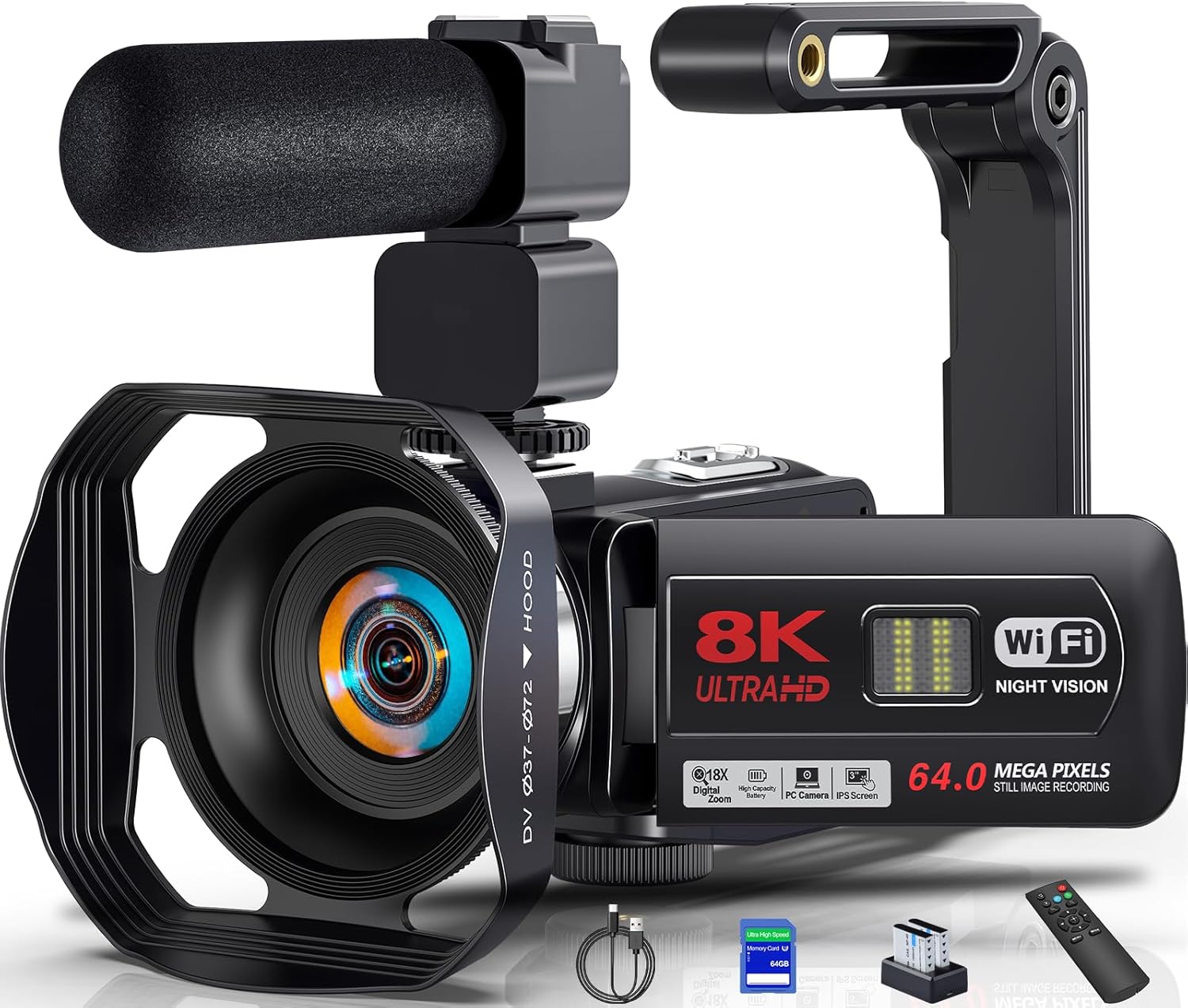
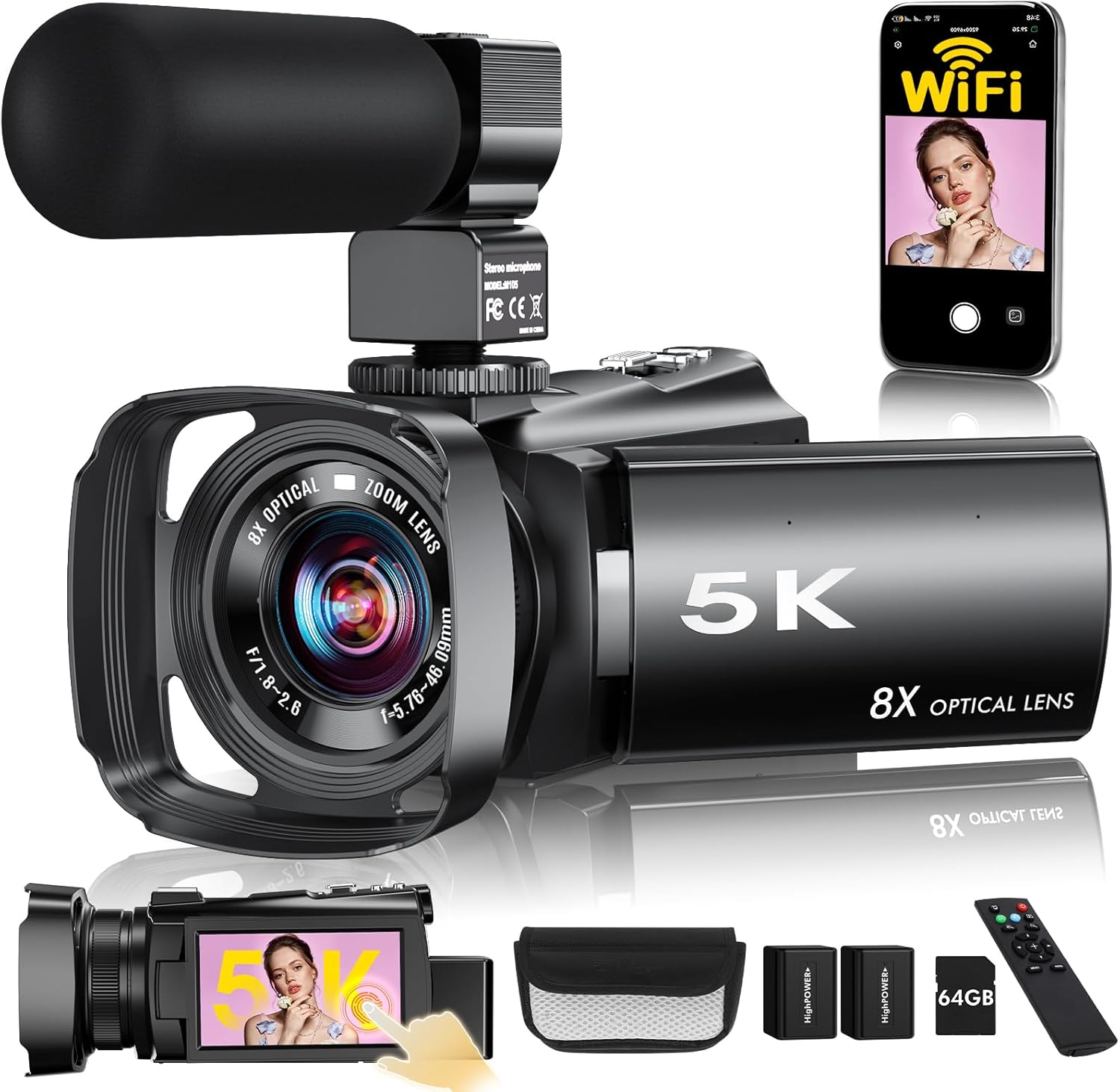
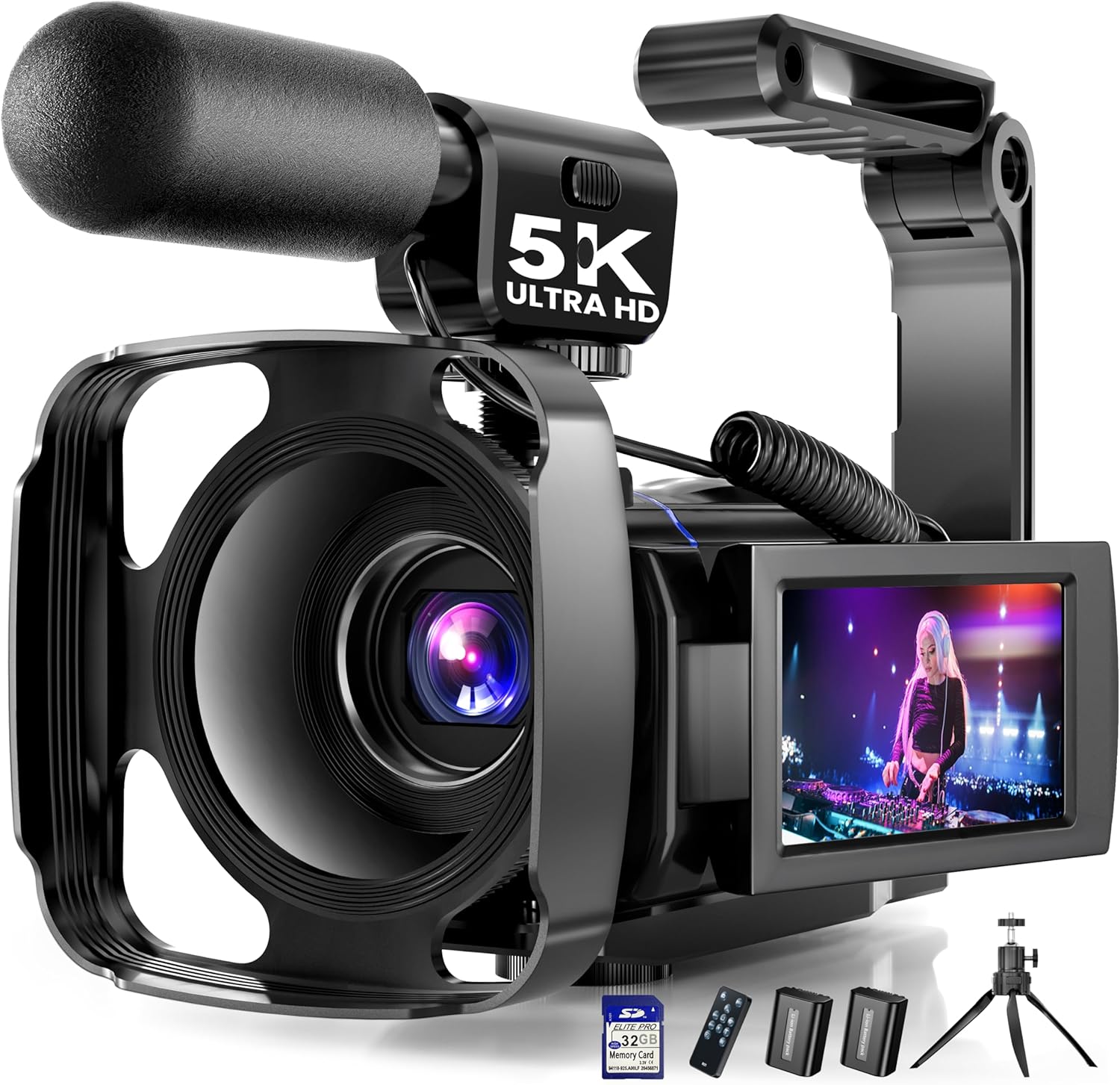
This page compares the best As-Mart camcorders and creator cameras for YouTube Live, webcam use, livestream tutorials, remote teaching, and desk-based creator workflows.
Top Picks
Compare each recommended product in a clear, full-width layout.






Frequently Asked Questions
Quick answers to common questions about this product category.
The best camcorder for YouTube Live usually offers webcam mode or HDMI support, clear audio options, and practical creator controls.
Yes, many camcorders can replace a webcam and often provide better framing, better lenses, and more creator-focused functionality.
Webcam mode makes it easier to connect the camera directly to a computer for streaming without a more complex setup.
Yes, a good microphone is strongly recommended because audio quality is a major part of viewer experience during live streams.
Yes, many camcorders used for YouTube Live are also very suitable for regular YouTube recording and tutorials.