
Buying Guide
Best Camcorder for Training Videos (2026)
Find the best camcorder for training videos with webcam mode, clear audio options, stable setup, and practical long recording features. Great for business training, staff videos, and tutorials.
Guide
Top Picks
Comparison
FAQs
Guide Overview
Best Camcorder for Training Videos (2026) | Business & Educational Video Cameras
The best camcorder for training videos should be easy to repeat, easy to position, and reliable for long speaking sessions. Whether used for internal staff training, educational lessons, software demos, compliance videos, or business tutorials, a dedicated training video camera can improve consistency and save time over repeated shoots.
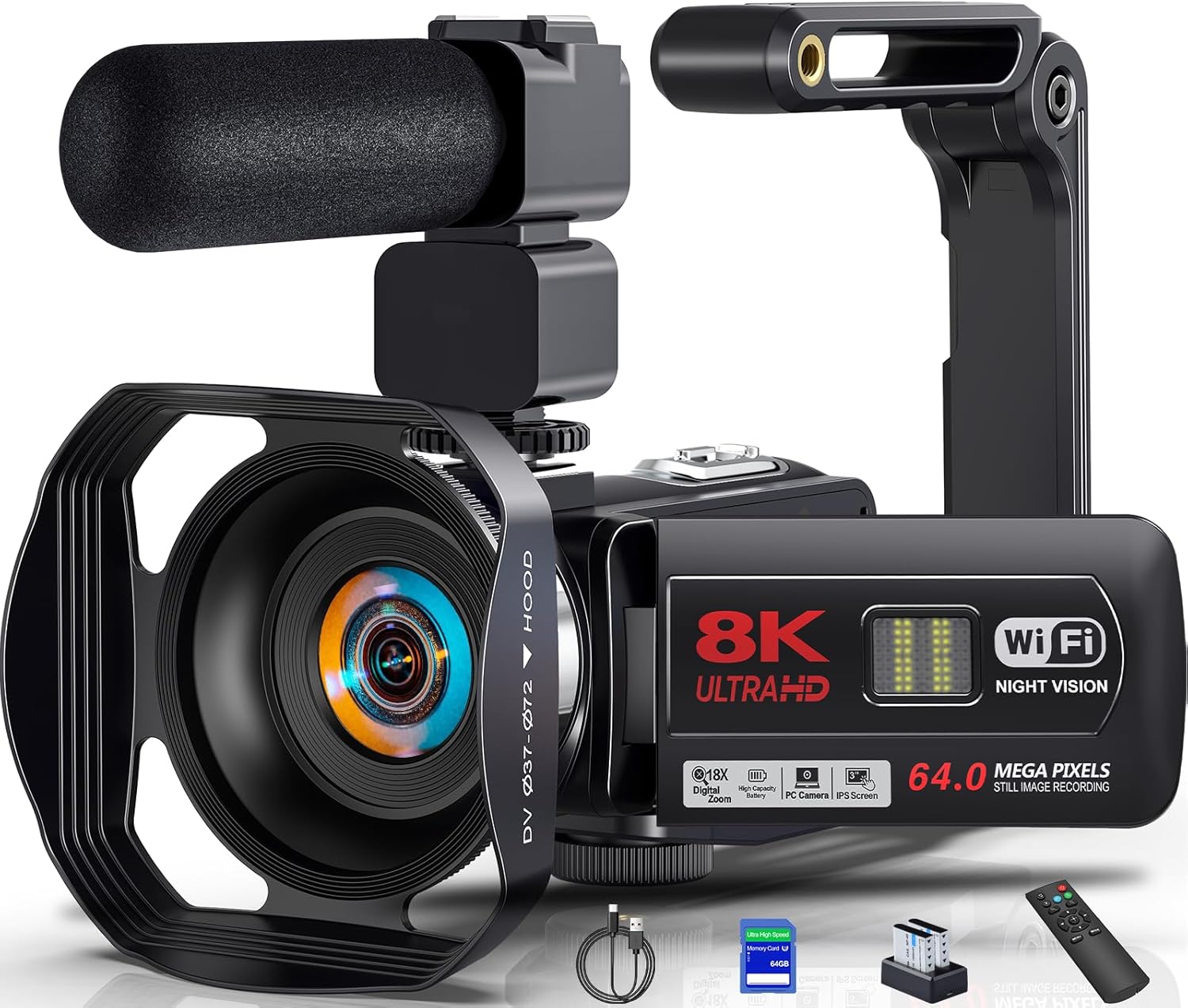
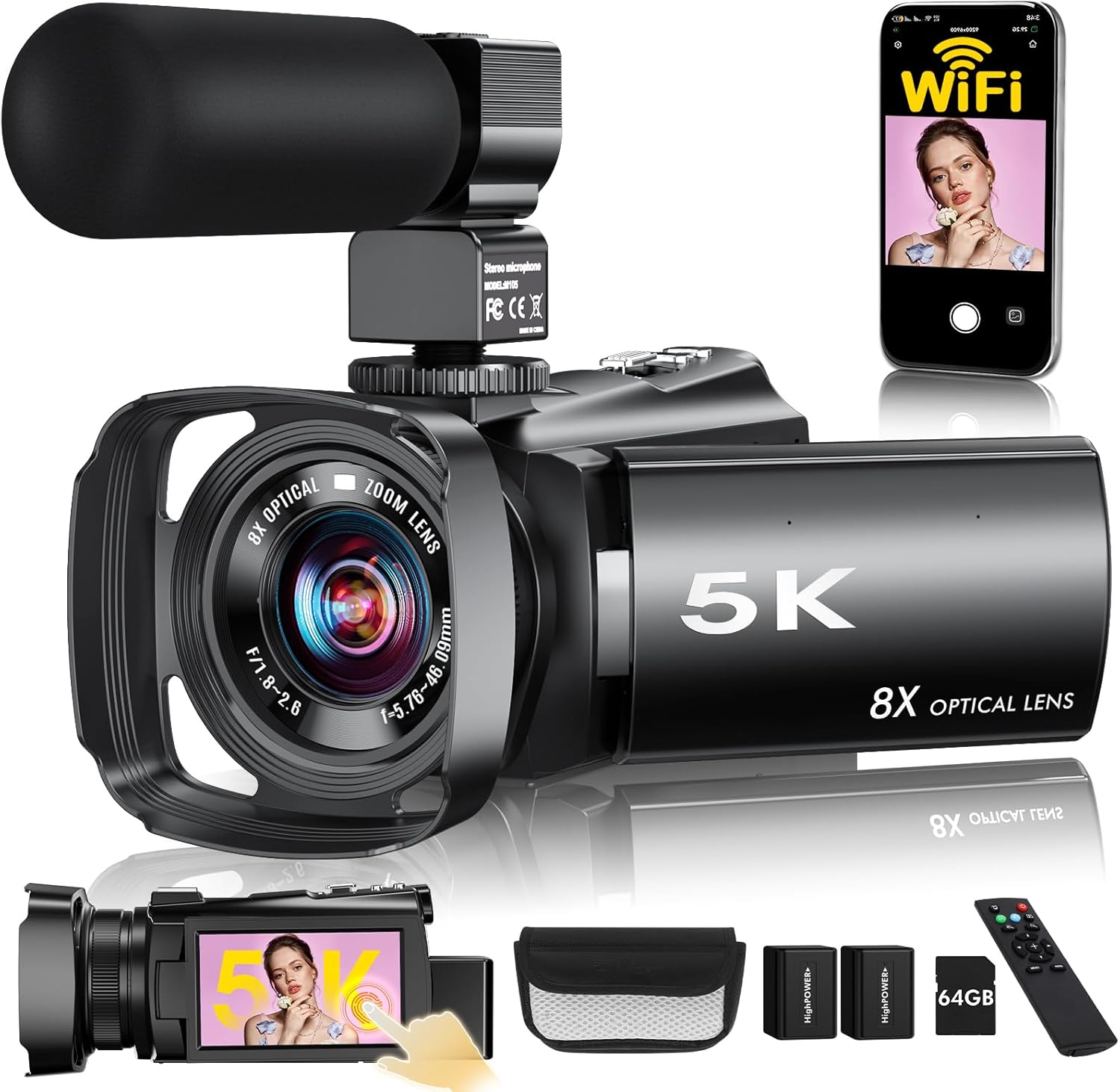
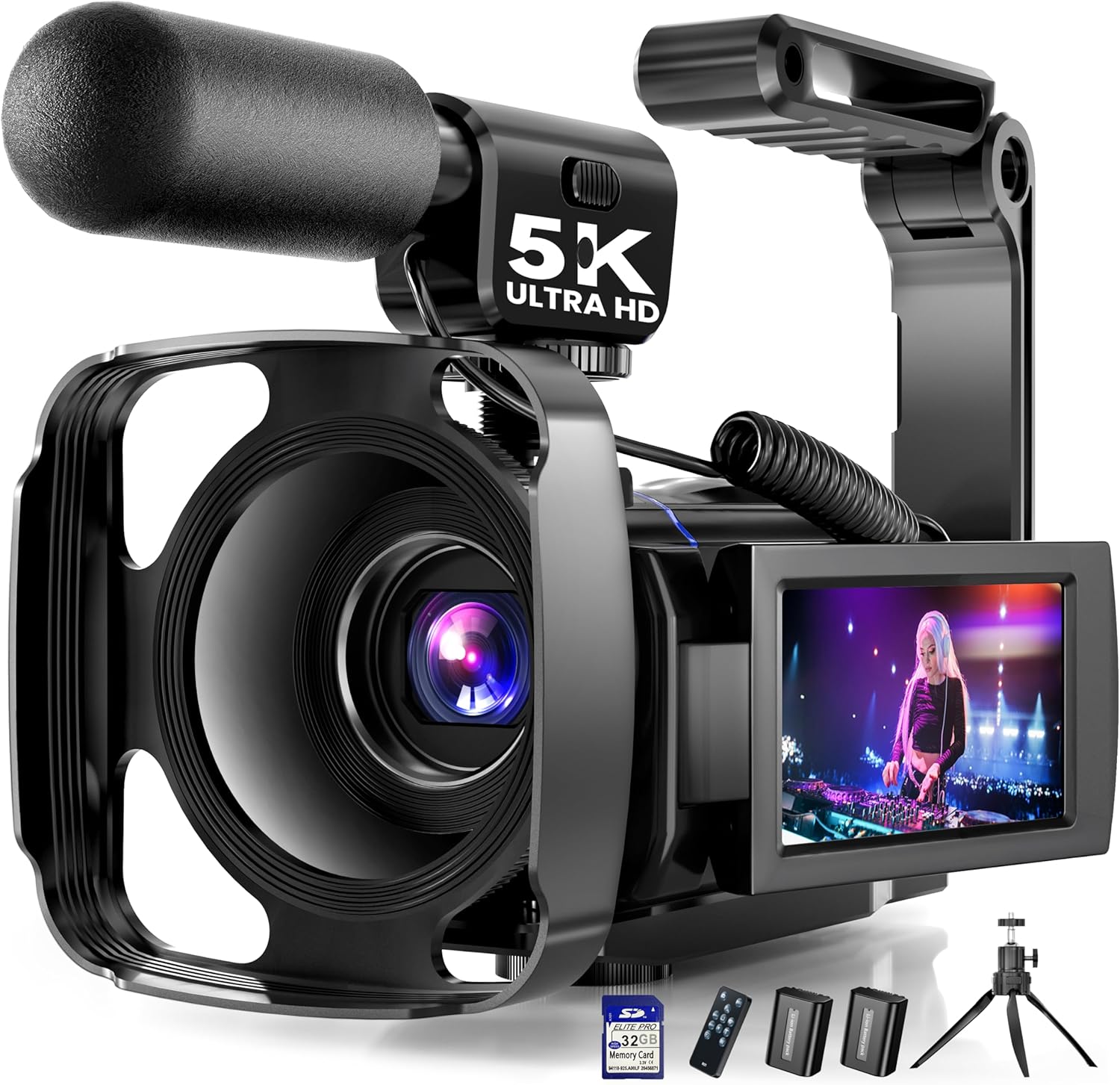
This page compares As-Mart camcorders that fit business and educational training workflows, especially cameras with webcam mode, better audio options, and practical desk or tripod setups.
Top Picks
Compare each recommended product in a clear, full-width layout.






Frequently Asked Questions
Quick answers to common questions about this product category.
The best camcorder for training videos usually offers clear audio support, practical long-session recording, and an easy stable setup for repeated content creation.
Webcam mode adds flexibility because the same camera can support both live training and recorded content.
Yes, microphone support is very helpful because clear speech is central to training and educational content.
Yes, many training-friendly camcorders also work well for webinars, online classes, and tutorials.
Clear audio, stable framing, easy controls, reliable power, and a camera that fits repeatable teaching workflows matter most.