
Buying Guide
Best Camcorder for Webinars (2026)
Compare the best camcorder for webinars with webcam mode, clear audio options, HDMI support, and stable desk setup. Great for coaching, teaching, consulting, and live presentations.
Guide
Top Picks
Comparison
FAQs
Guide Overview
Best Camcorder for Webinars (2026) | Video Cameras for Presentations, Coaching & Live Sessions
The best camcorder for webinars should help presenters look clearer, sound better, and stay more professional during live sessions. Whether you run webinars for teaching, coaching, consulting, sales, or training, a dedicated camcorder for webinars can provide a stronger presentation setup than a basic built-in webcam.
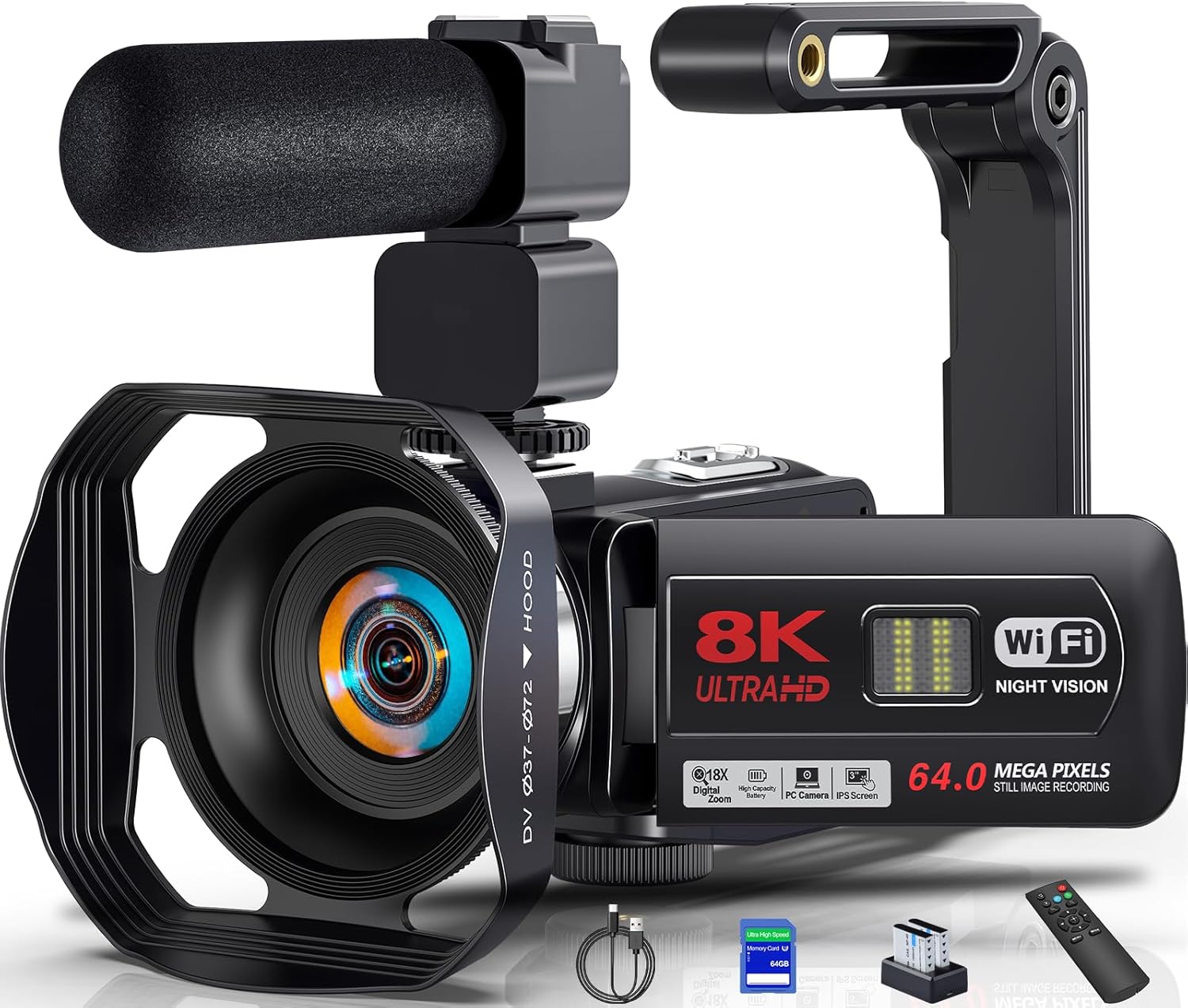
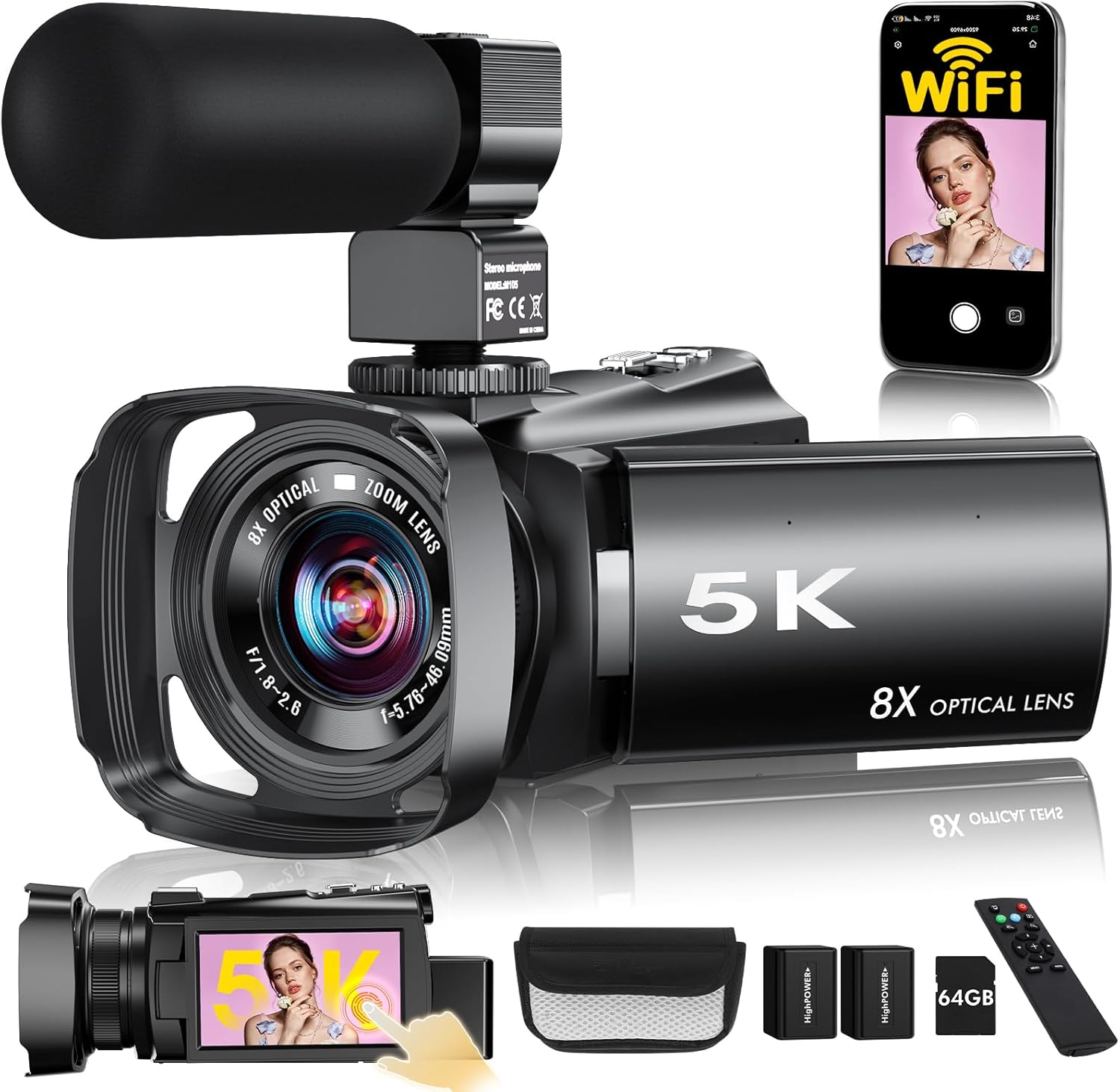
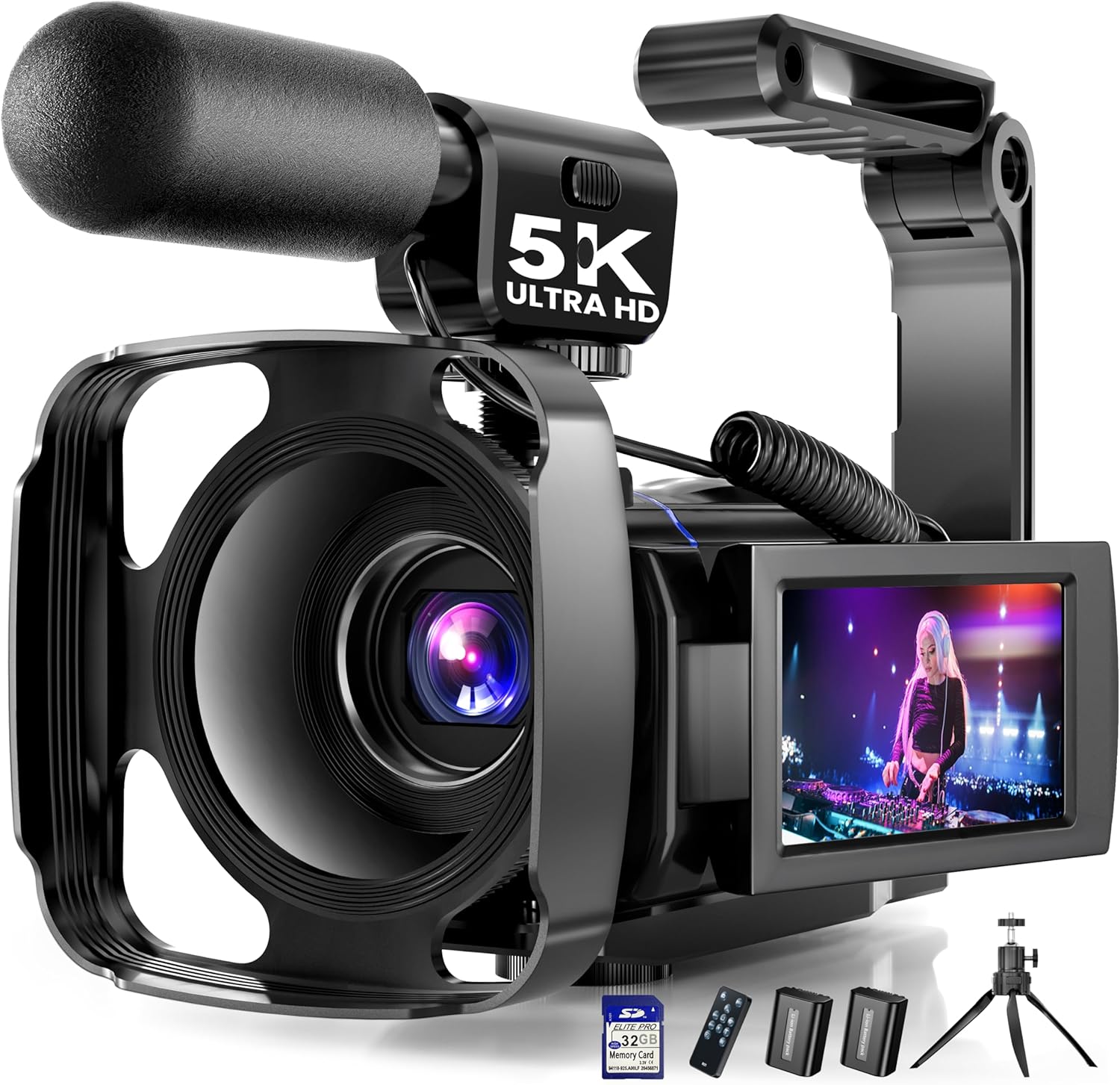
This page compares As-Mart camcorders and creator cameras that fit webinar workflows, especially products with webcam mode, audio-friendly setups, and practical desk-based usability.
Top Picks
Compare each recommended product in a clear, full-width layout.






Frequently Asked Questions
Quick answers to common questions about this product category.
The best camcorder for webinars usually offers webcam mode, clear audio support, and a practical setup for live desk-based presentations.
A camcorder can offer better framing flexibility, better creator features, and a more professional-feeling setup than a basic webcam.
HDMI can be useful for more advanced webinar or streaming setups, especially when using external monitors or capture hardware.
Yes, clear voice quality is very important for webinars, so microphone support can be a valuable feature.
Yes, many webinar-friendly camcorders also work very well for recorded lessons, tutorials, and coaching videos.