
Buying Guide
Tablet Buying Guide
A complete tablet buying guide covering screen size, storage, battery life, performance, kids tablets, iPads, Android tablets, Fire tablets, and Windows tablets.
Guide
Top Picks
Comparison
FAQs
Guide Overview
Tablet Buying Guide: How to Choose the Right Tablet
This tablet buying guide explains the most important features to check before buying a tablet for work, study, reading, gaming, or kids.
Top Picks
Compare each recommended product in a clear, full-width layout.




Frequently Asked Questions
Quick answers to common questions about this product category.
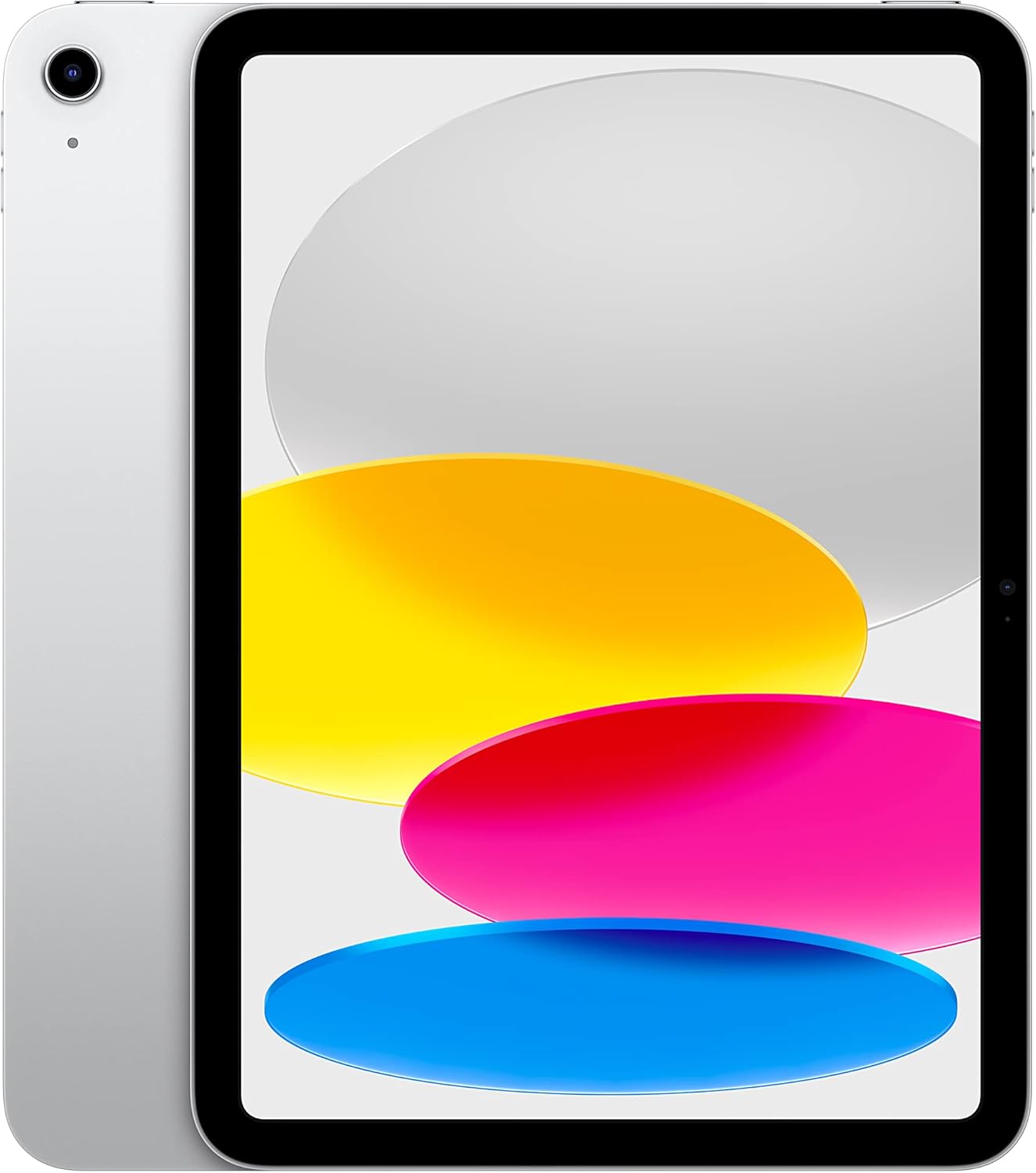
Start by deciding your main use: study, work, reading, kids, entertainment, or gaming. Then compare display size, storage, battery life, operating system, and accessory support.
32GB is suitable for light use, 64GB to 128GB is better for everyday users, and 256GB or more is recommended for large apps, videos, creative work, or offline files.
An 8-inch tablet is easier to hold and carry, while a 10-inch tablet is better for movies, reading, schoolwork, video calls, and multitasking.
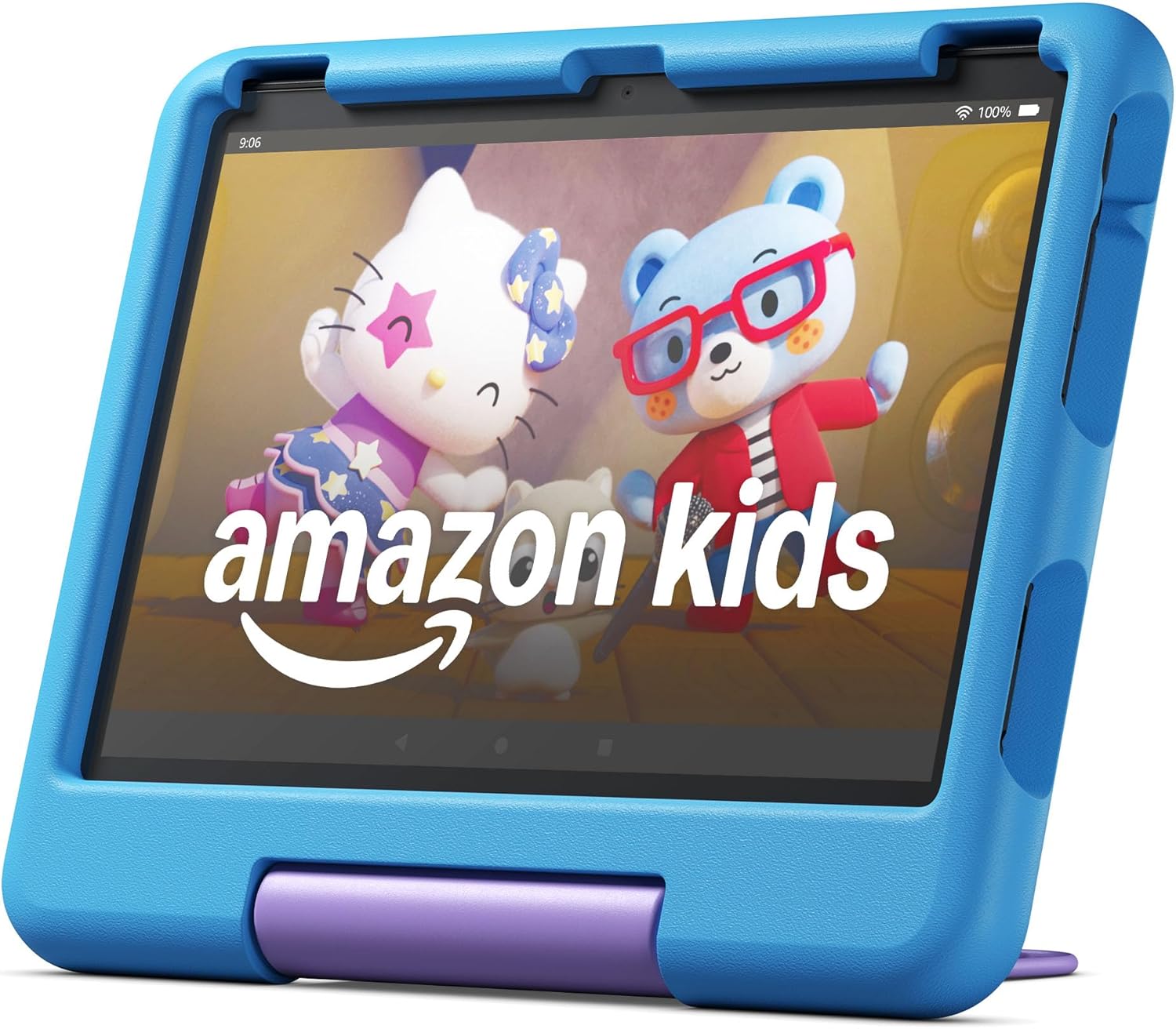
Yes, Amazon Fire tablets are good for reading, streaming, browsing, kids content, and casual entertainment. They are especially strong for budget buyers.
A keyboard is useful if you plan to write emails, documents, school assignments, blog posts, or work on productivity apps.