
Buying Guide
Best iPad for Note Taking
Compare the best iPad options for note taking, handwritten notes, PDFs, school, college, meetings, Apple Pencil, and productivity.
Guide
Top Picks
Comparison
FAQs
Guide Overview
Best iPad for Note Taking, PDFs, Study, and Work
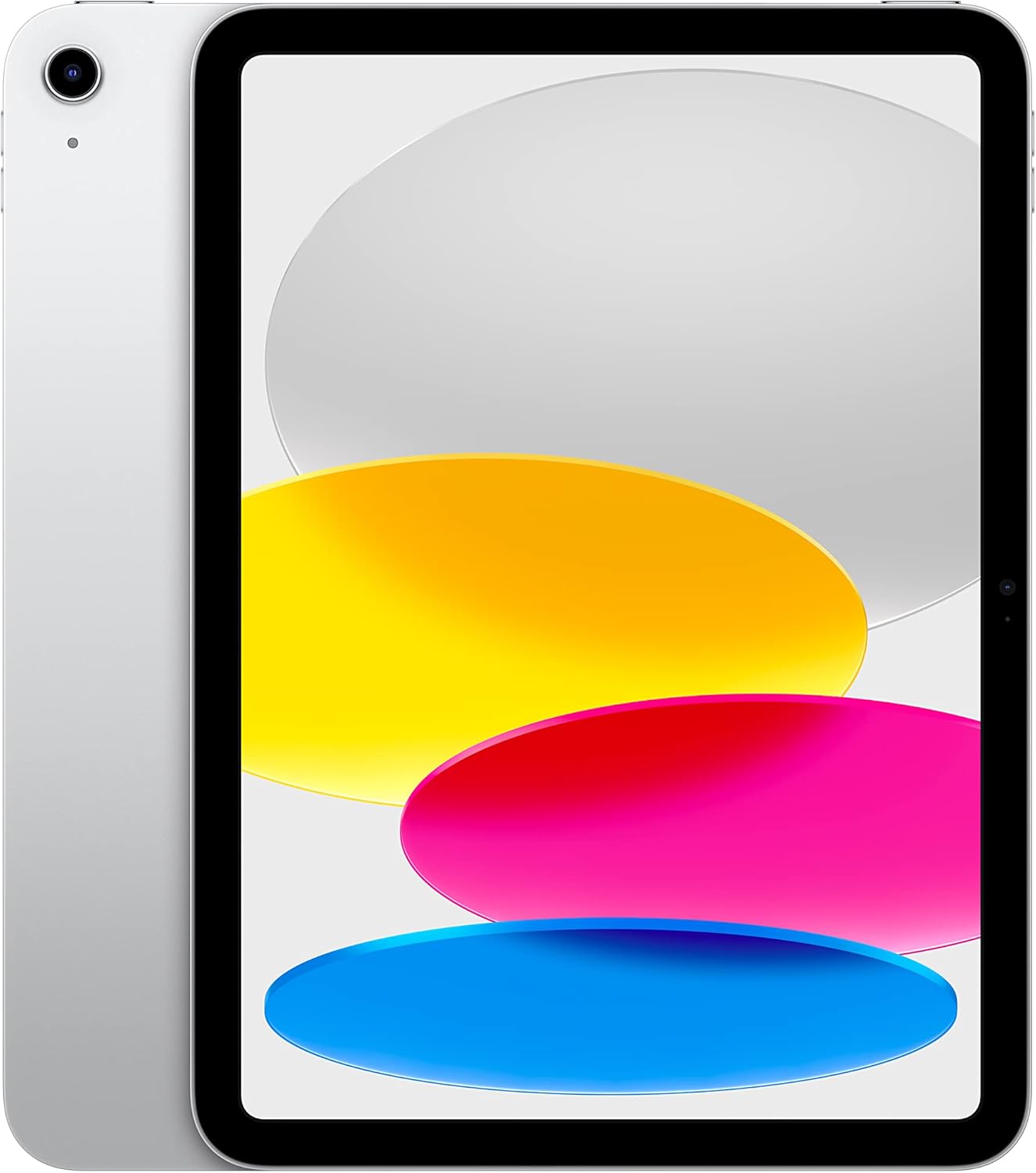
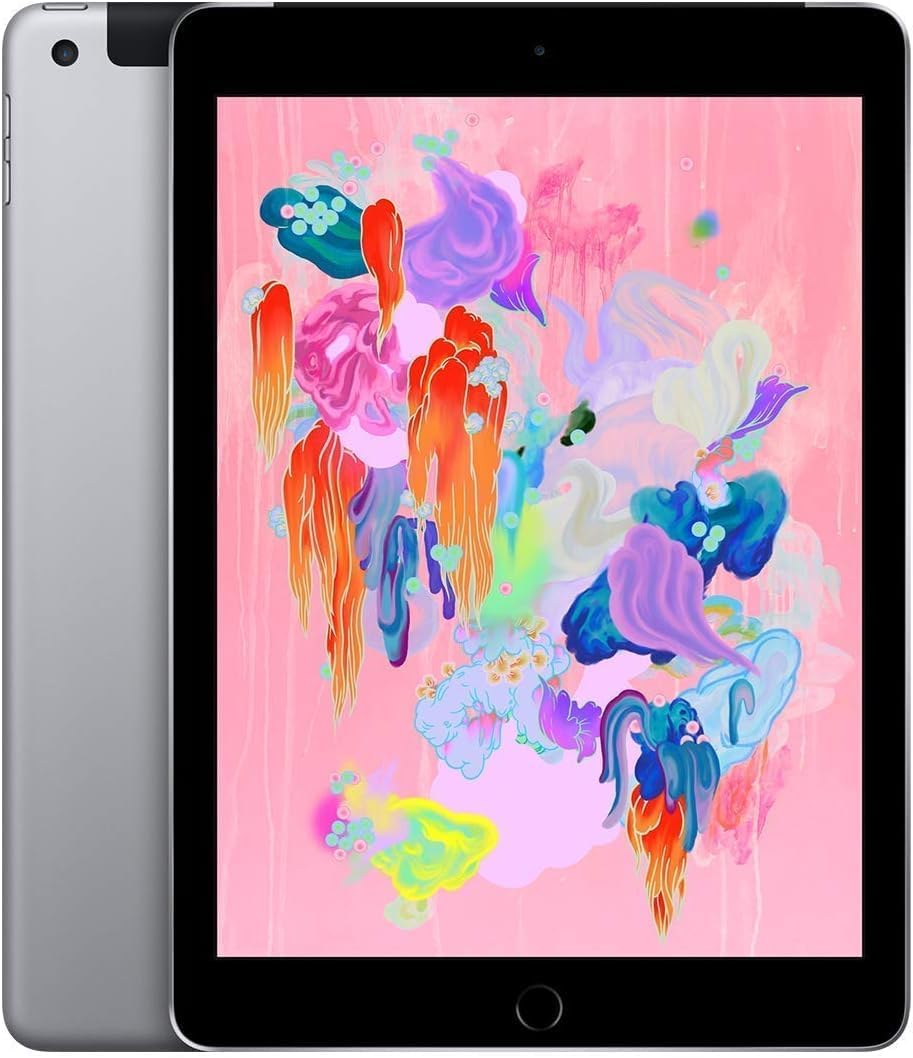
The best iPad for note taking should support Apple Pencil, have strong battery life, a comfortable screen, and enough storage for documents and study files.
Top Picks
Compare each recommended product in a clear, full-width layout.




Frequently Asked Questions
Quick answers to common questions about this product category.
The standard iPad is good for most note taking. iPad Air is better for students and professionals who want more power, while iPad Pro is best for premium workflows.
Apple Pencil is recommended if you want handwritten notes, diagrams, PDF annotation, or sketching.
Yes, many students use iPad as a digital notebook for class notes, PDFs, assignments, and study organization.
Yes, iPad is excellent for PDF annotation, especially with Apple Pencil and note-taking apps.
For notes and PDFs, moderate storage is usually enough. Choose more storage if you also save videos, large apps, or many offline files.