
Buying Guide
Best iPad for Drawing
Find the best iPad for drawing, sketching, Procreate, digital art, note taking, and creative work. Compare iPad, iPad Air, iPad Pro, and Apple Pencil support.
Guide
Top Picks
Comparison
FAQs
Guide Overview
Best iPad for Drawing, Sketching, and Digital Art
The best iPad for drawing should have smooth Apple Pencil support, a clear display, strong performance, and enough storage for creative apps and artwork.
Top Picks
Compare each recommended product in a clear, full-width layout.




Frequently Asked Questions
Quick answers to common questions about this product category.
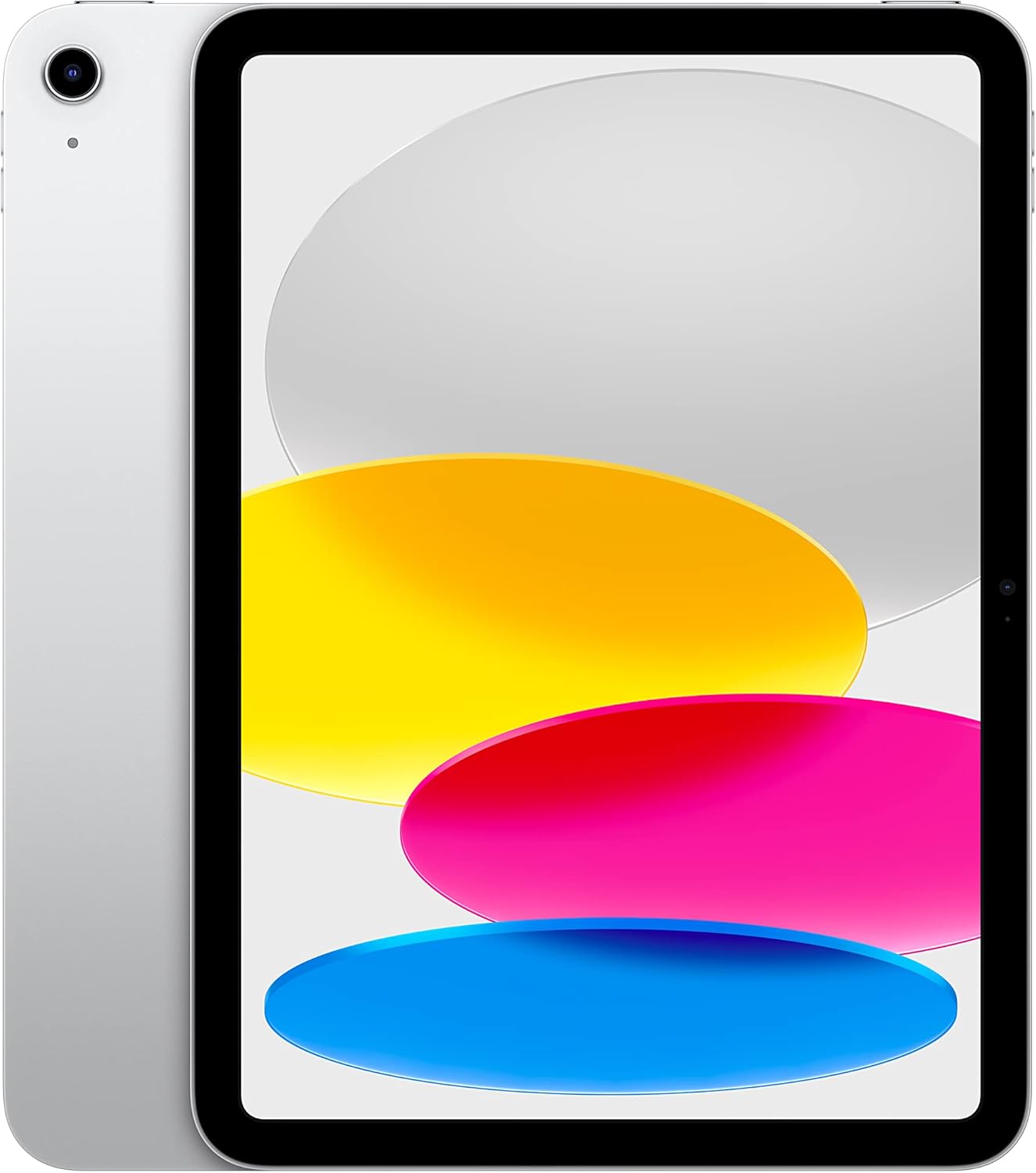
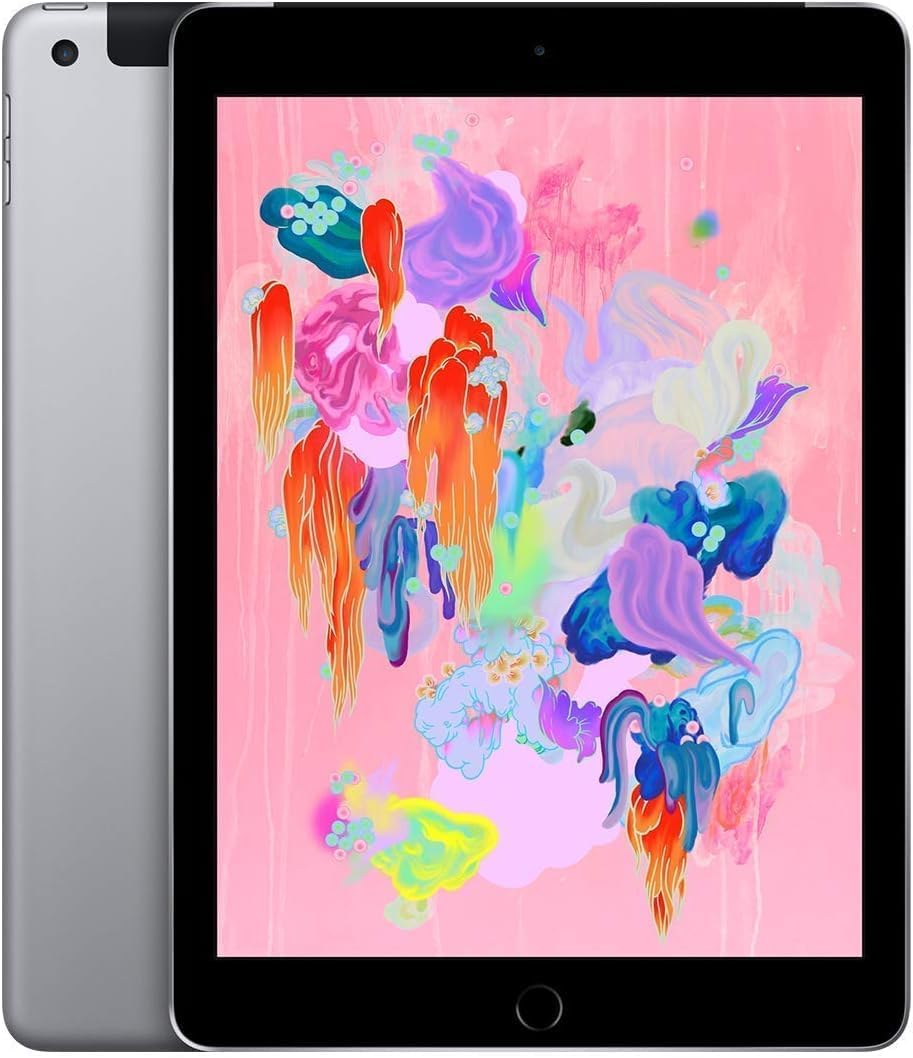
The best iPad for drawing is usually iPad Pro for professionals, iPad Air for strong value, and the standard iPad for beginners or casual sketching.
Yes, Apple Pencil is strongly recommended for drawing because it provides more accurate control, pressure response, and a natural writing or sketching feel.
Yes, iPad Air is a strong option for digital art because it offers good performance, Apple Pencil support, and a high-quality display at a lower price than iPad Pro.
Yes, beginners can use the standard iPad with a compatible Apple Pencil for sketching, note taking, and learning digital art.
Artists should consider higher storage if they use large apps, save many artwork files, or work with layered drawings and exports.